noshigeSoundnoshigeSound

Updates

Changelog

Release notes for every plugin. The latest installer is always on the Downloads page; recent previous versions stay available here.

Not sure which version you’re running? Open the plugin, click the gear icon in the top-right corner, then About — the version number is shown there.

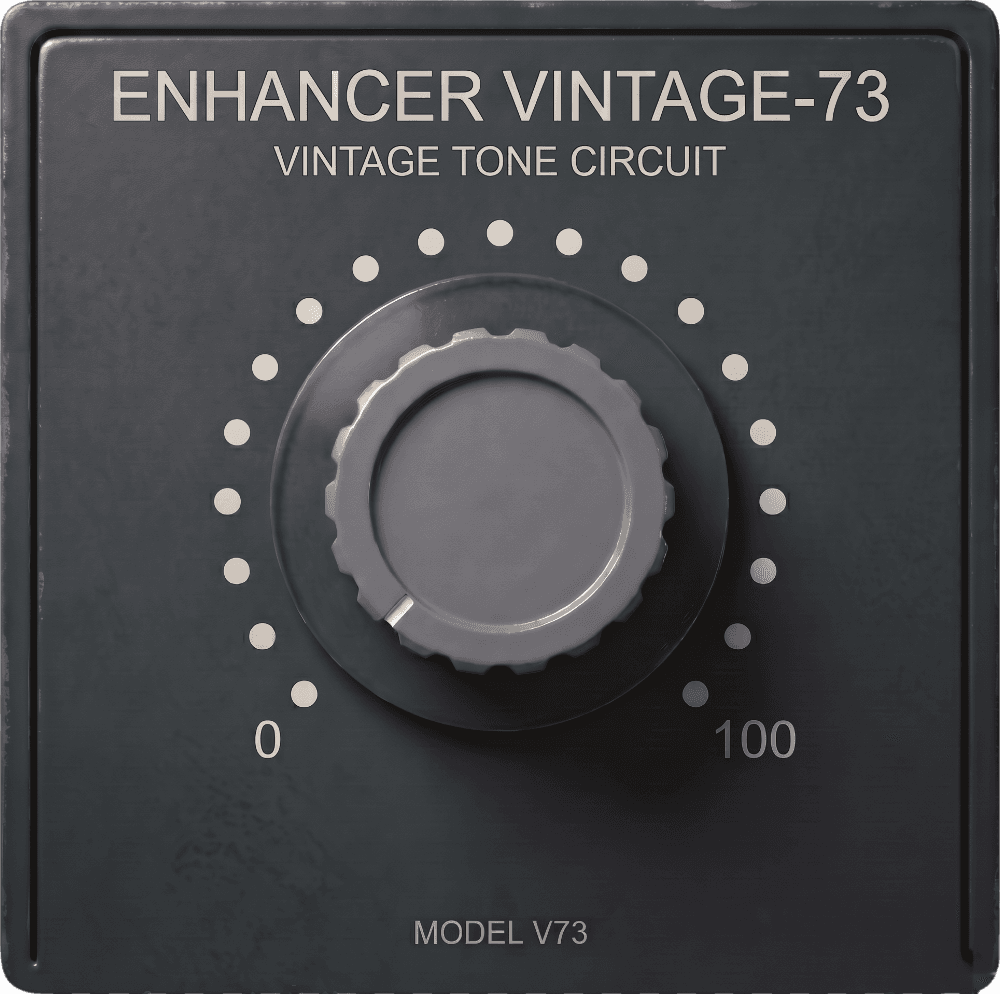
ENHANCER VINTAGE-73 — free analog high-shelf enhancer

noshige Classic

ENHANCER VINTAGE-73

v1.6.0

Nov 24, 2026Latest
  • Until it is activated with the free license, the plugin now keeps working, with a short noise added at intervals.
  • A short notice with the license agreement is shown the first time you open the plugin.
  • Improved stability on Windows PCs with AMD integrated graphics.
Show 16 older versions

Previous versions are provided for compatibility. We recommend the latest release.

  1. v1.5.3

    Nov 21, 2026
    • The plugin window now opens faster.
    • In SNAP mode, clicking the dot next to the AUTO GAIN reading now measures again.
    • Added Window Size to the Config menu (50% to 200%).
    • Fixed AUTO GAIN being thrown off right after the plugin loads or bypass is turned off.
  2. v1.5.2

    Nov 20, 2026
    • GPU processing now supports Intel Macs with a built-in AMD Radeon GPU (macOS 10.15 or later).
    • Fixed the effect not coming back after bypass is turned off when the plugin runs on the CPU engine.
    • Fixed pops and dropouts that could occur when the host re-activates the plugin.
  3. v1.5.1

    Nov 19, 2026
    • Fixed a pop that could occur when the plugin is taken out of bypass.
    • A loading indicator is now shown while the models load.
    • Processing now stops while the plugin is bypassed, reducing CPU and GPU load.

    Download no longer available

  4. v1.5.0

    Nov 17, 2026
    • GPU processing now supports AMD Radeon graphics cards on Windows (Radeon RX 5000 series or later).
    • Improved the stability of GPU processing.
    • Fixed the sound briefly changing when the host re-prepares the plugin during playback.

    Download no longer available

  5. v1.4.4

    Nov 9, 2026
    • Fixed the engine switching back and forth between GPU and CPU in some VST3 hosts.

    Download no longer available

  6. v1.4.3

    Nov 4, 2026
    • Optimized the GPU path when several noshige plugins are inserted in series on one track.

    Download no longer available

  7. v1.4.2

    Nov 2, 2026
    • Fixed clicks at the end of clips on the GPU engine, including the clicks reported in Pro Tools folder tracks with several GPU instances.
    • Latency no longer changes when the GPU temporarily falls behind and processing falls back to the CPU, so Pro Tools stays aligned during playback. Switching engines no longer causes a brief level dip.
    • Faster GPU processing with several instances at different buffer sizes in one session, offline bounces no longer stall for 30 seconds after a reset, and fixed incorrect audio on Windows when the GPU fell behind or during offline rendering.

    Download no longer available

  8. v1.4.0

    Oct 27, 2026
    • Offline activation for computers that can't go online (perpetual licenses only). On the activation screen, click Offline activation and save the request file, upload it under Account > Offline activation on any online device, and load the license file you get back.
    • Smaller knob value readouts in pale yellow.

    Download no longer available

  9. v1.3.1

    Oct 21, 2026
    • New "Remember Engine" option (Config > ENGINE, on by default): the GPU or CPU you choose for an instance is saved with the session and restored when the project is reopened. Turn it off for the previous behavior.
    • New header: the preset Save and Delete buttons are now icons, plus a VAL button (Always Show Values) and a power button that bypasses the plugin in sync with your DAW's bypass, without clicks and with no change in latency.
    • Knob values use the same bold readout as noshige76 and noshige2A.
    • Fixed the About screen being wider than the window.

    Download no longer available

  10. v1.3.0

    Oct 18, 2026
    • Auto Gain now has three modes: Track (follows the signal continuously, as before), Static (a fixed makeup set by the controls, no measuring) and Snap (measures for 2 seconds after Auto Gain is switched on, then holds that value). Snap is the new default, and sessions saved with an earlier version open in Snap. Choose Track for the previous behavior. Pick a mode from the Auto Gain submenu in Config or by right-clicking the AUTO GAIN button, and use "Snap again" to measure again.
    • New AUTO GAIN and ENGINE buttons at the bottom left. AUTO GAIN turns Auto Gain on or off and shows the makeup being applied; ENGINE switches between GPU and CPU processing.

    Download no longer available

  11. v1.2.3

    Oct 17, 2026
    • Fixed GPU processing not engaging in Pro Tools (AAX). The plugin now follows the block size Pro Tools actually renders with, so it no longer stays on the CPU path when the hardware buffer size is not 1024 samples.

    Download no longer available

  12. v1.2.2

    Oct 13, 2026
    • GPU processing on Apple Silicon Macs and NVIDIA GPUs on Windows. See the product page for requirements.
    • Fixed the plugin window being cut off when the host forces a window size with a different aspect ratio (for example Studio One on Intel Macs).
    • Updated the installer license agreement to match the Terms of Service on noshigesound.com.

    Download no longer available

  13. v1.2.1

    Oct 6, 2026
    • Added GPU processing on Apple Silicon Macs and NVIDIA GPUs on Windows. See the product page for requirements.
    • Improved Auto Gain.
    • The plugin window can now be resized from 50% to 300%.
    • The activation screen link now reads "Get a free license" and opens the product page.

    Download no longer available

  14. v1.0.2

    Aug 24, 2026
    • Fixed: activating a license could fail while several plugin instances were open — an instance whose trial had expired could overwrite the freshly activated state. All instances now share activation state.
    • Fixed: typing in the plugin's license form inside Logic Pro no longer triggers Logic's keyboard shortcuts.

    Download no longer available

  15. v1.0.1

    Jun 8, 2026
    • Updated the neural models.
    • Added an output gain control.

    Download no longer available

  16. v1.0.0

    May 30, 2026
    • Initial release.

    Download no longer available

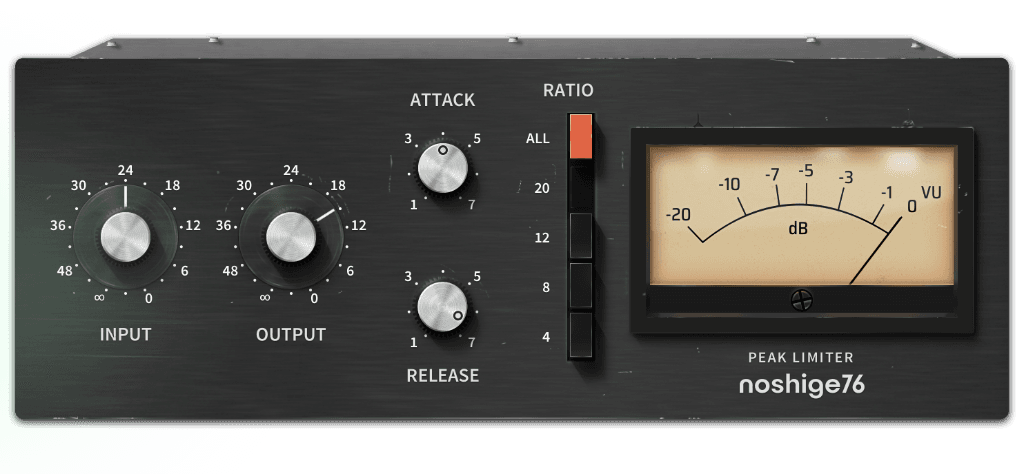
noshige76 — FET-style peak limiter plugin UI

noshige Classic

noshige76

v2.6.0

Nov 24, 2026Latest
  • The trial no longer has a time limit. Without a license the plugin keeps working, with a short noise added at intervals.
  • A short notice with the license agreement is shown the first time you open the plugin.
  • Improved stability on Windows PCs with AMD integrated graphics.
Show 16 older versions

Previous versions are provided for compatibility. We recommend the latest release.

  1. v2.5.3

    Nov 21, 2026
    • The plugin window now opens faster.
    • In SNAP mode, clicking the dot next to the AUTO GAIN reading now measures again.
    • Added Window Size to the Config menu (50% to 200%).
    • AUTO GAIN is now shown in the toolbar.
    • Fixed AUTO GAIN being thrown off right after the plugin loads or bypass is turned off.
  2. v2.5.2

    Nov 20, 2026
    • GPU processing now supports Intel Macs with a built-in AMD Radeon GPU (macOS 10.15 or later).
    • Fixed the effect not coming back after bypass is turned off when the plugin runs on the CPU engine.
    • Fixed pops and dropouts that could occur when the host re-activates the plugin.
  3. v2.5.1

    Nov 19, 2026
    • Fixed audio processing overloads when the plugin is taken out of bypass.
    • Fixed a pop that could occur when the plugin is taken out of bypass.
    • A loading indicator is now shown while the models load.

    Download no longer available

  4. v2.5.0

    Nov 17, 2026
    • GPU processing now supports AMD Radeon graphics cards on Windows (Radeon RX 5000 series or later).
    • Improved the stability of GPU processing.
    • Fixed the sound briefly changing when the host re-prepares the plugin during playback.

    Download no longer available

  5. v2.4.4

    Nov 9, 2026
    • Fixed the engine switching back and forth between GPU and CPU in some VST3 hosts.

    Download no longer available

  6. v2.4.3

    Nov 4, 2026
    • Optimized the GPU path when several noshige plugins are inserted in series on one track.

    Download no longer available

  7. v2.4.2

    Nov 2, 2026
    • Fixed clicks at the end of clips on the GPU engine, including the clicks reported in Pro Tools folder tracks with several GPU instances.
    • Latency no longer changes when the GPU temporarily falls behind and processing falls back to the CPU, so Pro Tools stays aligned during playback. Switching engines no longer causes a brief level dip.
    • Faster GPU processing with several instances at different buffer sizes in one session, offline bounces no longer stall for 30 seconds after a reset, and fixed incorrect audio on Windows when the GPU fell behind or during offline rendering.

    Download no longer available

  8. v2.4.0

    Oct 27, 2026
    • Offline activation for computers that can't go online (perpetual licenses only). On the activation screen, click Offline activation and save the request file, upload it under Account > Offline activation on any online device, and load the license file you get back.
    • Smaller knob value readouts in pale yellow; the ATTACK and RELEASE values now sit under their knobs.

    Download no longer available

  9. v2.3.1

    Oct 21, 2026
    • New "Remember Engine" option (Config > ENGINE, on by default): the GPU or CPU you choose for an instance is saved with the session and restored when the project is reopened. Turn it off for the previous behavior.

    Download no longer available

  10. v2.3.0

    Oct 18, 2026
    • Auto Gain now has three modes: Track (follows the signal continuously, as before), Static (a fixed makeup set by the controls, no measuring) and Snap (measures for 2 seconds after Auto Gain is switched on, then holds that value). Snap is the new default, and sessions saved with an earlier version open in Snap. Choose Track for the previous behavior. Pick a mode from the Auto Gain submenu in Config or by right-clicking the AUTO GAIN switch, and use "Snap again" to measure again.
    • The makeup gain being applied is now shown under the Auto Gain lamp, and the lamp blinks while Snap is measuring.
    • New toolbar buttons: switch between GPU and CPU processing, and turn Always Show Values on or off.
    • Knob values are easier to read.

    Download no longer available

  11. v2.2.4

    Oct 17, 2026
    • Fixed GPU processing not engaging in Pro Tools (AAX). The plugin now follows the block size Pro Tools actually renders with, so it no longer stays on the CPU path when the hardware buffer size is not 1024 samples.

    Download no longer available

  12. v2.2.3

    Oct 13, 2026
    • GPU processing on Apple Silicon Macs and NVIDIA GPUs on Windows. See the product page for requirements.
    • Fixed the plugin window being cut off when the host forces a window size with a different aspect ratio (for example Studio One on Intel Macs).
    • Updated the installer license agreement to match the Terms of Service on noshigesound.com.

    Download no longer available

  13. v2.2.2

    Oct 6, 2026
    • Added GPU processing on Apple Silicon Macs and NVIDIA GPUs on Windows. See the product page for requirements.
    • Improved Auto Gain. Auto Gain can now also be toggled from the settings menu.
    • Added INPUT / OUTPUT TRIM.
    • Fixed: typing "50" into MIX set it to 100%.

    Download no longer available

  14. v2.0.11

    Aug 24, 2026
    • Fixed: activating a license could fail while several plugin instances were open — an instance whose trial had expired could overwrite the freshly activated state. All instances now share activation state.
    • Fixed: typing in the plugin's license form inside Logic Pro no longer triggers Logic's keyboard shortcuts.

    Download no longer available

  15. v2.0.10

    Aug 7, 2026

    macOS only — Windows stayed on 2.0.9 for this release.

    • Fixed a crash when quitting the host on macOS Tahoe.

    Download no longer available

  16. v2.0.9

    Aug 5, 2026
    • UI polish in the ADVANCED panel: corrected toggle font and chevron alignment.

    Download no longer available

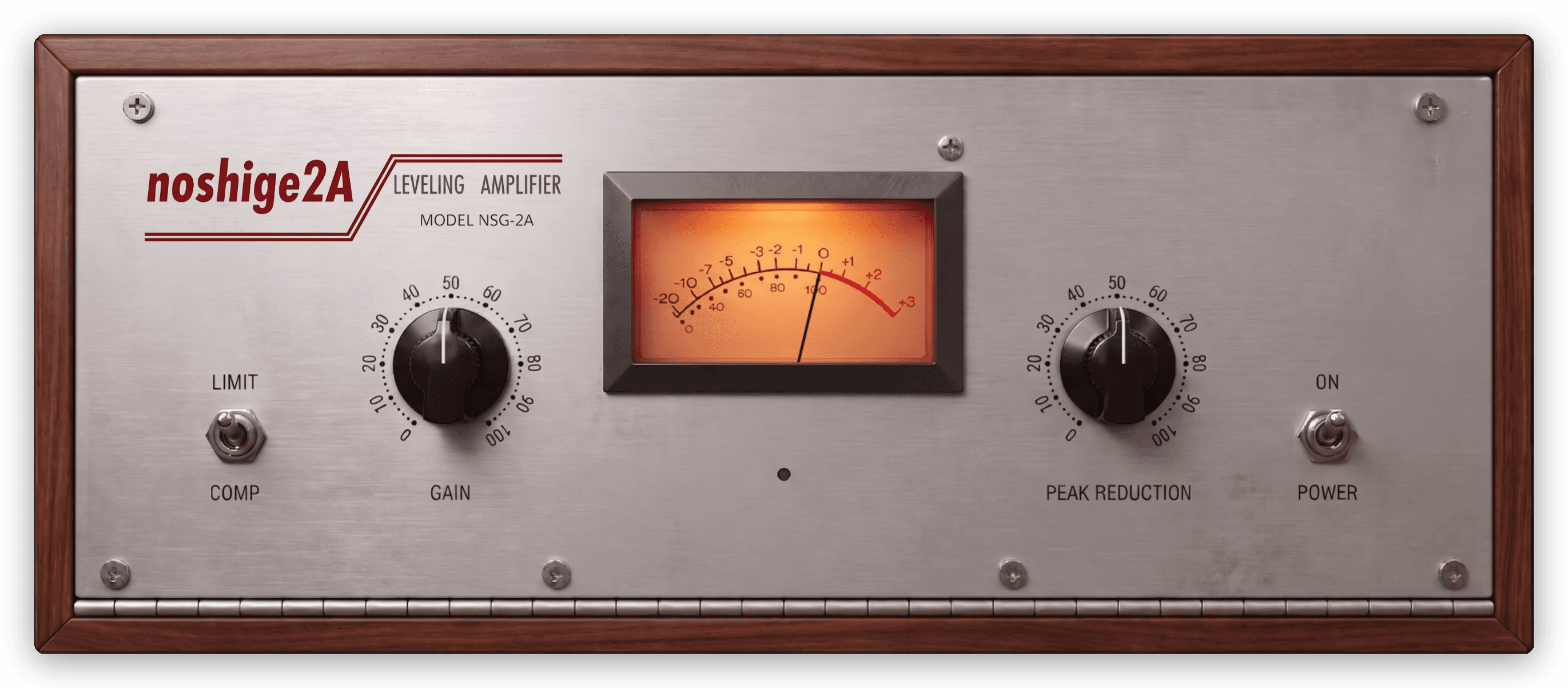
noshige2A — optical leveler plugin (panel preview)

noshige Classic

noshige2A

v1.6.0

Nov 24, 2026Latest
  • The trial no longer has a time limit. Without a license the plugin keeps working, with a short noise added at intervals.
  • A short notice with the license agreement is shown the first time you open the plugin.
  • Improved stability on Windows PCs with AMD integrated graphics.
Show 16 older versions

Previous versions are provided for compatibility. We recommend the latest release.

  1. v1.5.3

    Nov 21, 2026
    • The plugin window now opens faster.
    • In SNAP mode, clicking the dot next to the AUTO GAIN reading now measures again.
    • Added Window Size to the Config menu (50% to 200%).
    • AUTO GAIN is now shown in the toolbar.
    • Fixed AUTO GAIN being thrown off right after the plugin loads or bypass is turned off.
  2. v1.5.2

    Nov 20, 2026
    • GPU processing now supports Intel Macs with a built-in AMD Radeon GPU (macOS 10.15 or later).
    • Fixed the effect not coming back after bypass is turned off when the plugin runs on the CPU engine.
    • Fixed pops and dropouts that could occur when the host re-activates the plugin.
  3. v1.5.1

    Nov 19, 2026
    • Fixed a pop that could occur when the plugin is taken out of bypass.
    • A loading indicator is now shown while the models load.

    Download no longer available

  4. v1.5.0

    Nov 17, 2026
    • GPU processing now supports AMD Radeon graphics cards on Windows (Radeon RX 5000 series or later).
    • Improved the stability of GPU processing.
    • Fixed the sound briefly changing when the host re-prepares the plugin during playback.

    Download no longer available

  5. v1.4.4

    Nov 9, 2026
    • Fixed the engine switching back and forth between GPU and CPU in some VST3 hosts.

    Download no longer available

  6. v1.4.3

    Nov 4, 2026
    • Optimized the GPU path when several noshige plugins are inserted in series on one track.

    Download no longer available

  7. v1.4.2

    Nov 2, 2026
    • Fixed clicks at the end of clips on the GPU engine, including the clicks reported in Pro Tools folder tracks with several GPU instances.
    • Latency no longer changes when the GPU temporarily falls behind and processing falls back to the CPU, so Pro Tools stays aligned during playback. Switching engines no longer causes a brief level dip.
    • Faster GPU processing with several instances at different buffer sizes in one session, offline bounces no longer stall for 30 seconds after a reset, and fixed incorrect audio on Windows when the GPU fell behind or during offline rendering.
    • Stereo instances now return to the GPU after a temporary CPU fallback.

    Download no longer available

  8. v1.4.0

    Oct 27, 2026
    • Offline activation for computers that can't go online (perpetual licenses only). On the activation screen, click Offline activation and save the request file, upload it under Account > Offline activation on any online device, and load the license file you get back.
    • Smaller knob value readouts in pale yellow.

    Download no longer available

  9. v1.3.1

    Oct 21, 2026
    • New "Remember Engine" option (Config > ENGINE, on by default): the GPU or CPU you choose for an instance is saved with the session and restored when the project is reopened. Turn it off for the previous behavior.

    Download no longer available

  10. v1.3.0

    Oct 18, 2026
    • Auto Gain now has three modes: Track (follows the signal continuously, as before), Static (a fixed makeup set by the controls, no measuring) and Snap (measures for 2 seconds after Auto Gain is switched on, then holds that value). Snap is the new default, and sessions saved with an earlier version open in Snap. Choose Track for the previous behavior. Pick a mode from the Auto Gain submenu in Config or by right-clicking the AUTO GAIN switch, and use "Snap again" to measure again.
    • Added an Auto Gain lamp. The makeup gain being applied is shown under it, and the lamp blinks while Snap is measuring.
    • New toolbar buttons: switch between GPU and CPU processing, and turn Always Show Values on or off.
    • Knob values are easier to read.

    Download no longer available

  11. v1.2.3

    Oct 17, 2026
    • Fixed GPU processing not engaging in Pro Tools (AAX). The plugin now follows the block size Pro Tools actually renders with, so it no longer stays on the CPU path when the hardware buffer size is not 1024 samples.

    Download no longer available

  12. v1.2.2

    Oct 13, 2026
    • GPU processing on Apple Silicon Macs and NVIDIA GPUs on Windows. See the product page for requirements.
    • Fixed the plugin window being cut off when the host forces a window size with a different aspect ratio (for example Studio One on Intel Macs).
    • Updated the installer license agreement to match the Terms of Service on noshigesound.com.

    Download no longer available

  13. v1.2.1

    Oct 6, 2026
    • Added GPU processing on Apple Silicon Macs and NVIDIA GPUs on Windows. See the product page for requirements.
    • New ADVANCED panel with an AUTO GAIN switch, INPUT / OUTPUT TRIM (±18 dB) and MIX.
    • Improved Auto Gain. The GAIN knob is locked while Auto Gain is active.

    Download no longer available

  14. v1.0.11

    Aug 24, 2026
    • Fixed: activating a license could fail while several plugin instances were open — an instance whose trial had expired could overwrite the freshly activated state. All instances now share activation state.
    • Fixed: typing in the plugin's license form inside Logic Pro no longer triggers Logic's keyboard shortcuts.

    Download no longer available

  15. v1.0.10

    Aug 7, 2026
    • Fixed a crash when quitting the host on macOS Tahoe.
    • COMP/LIMIT and POWER switches now respond to dragging as well as clicking.

    Download no longer available

  16. v1.0.9

    Aug 4, 2026
    • Clearer bypass feedback: a centred "Bypassed" caption and the power icon lights up red-orange while bypassed.

    Download no longer available

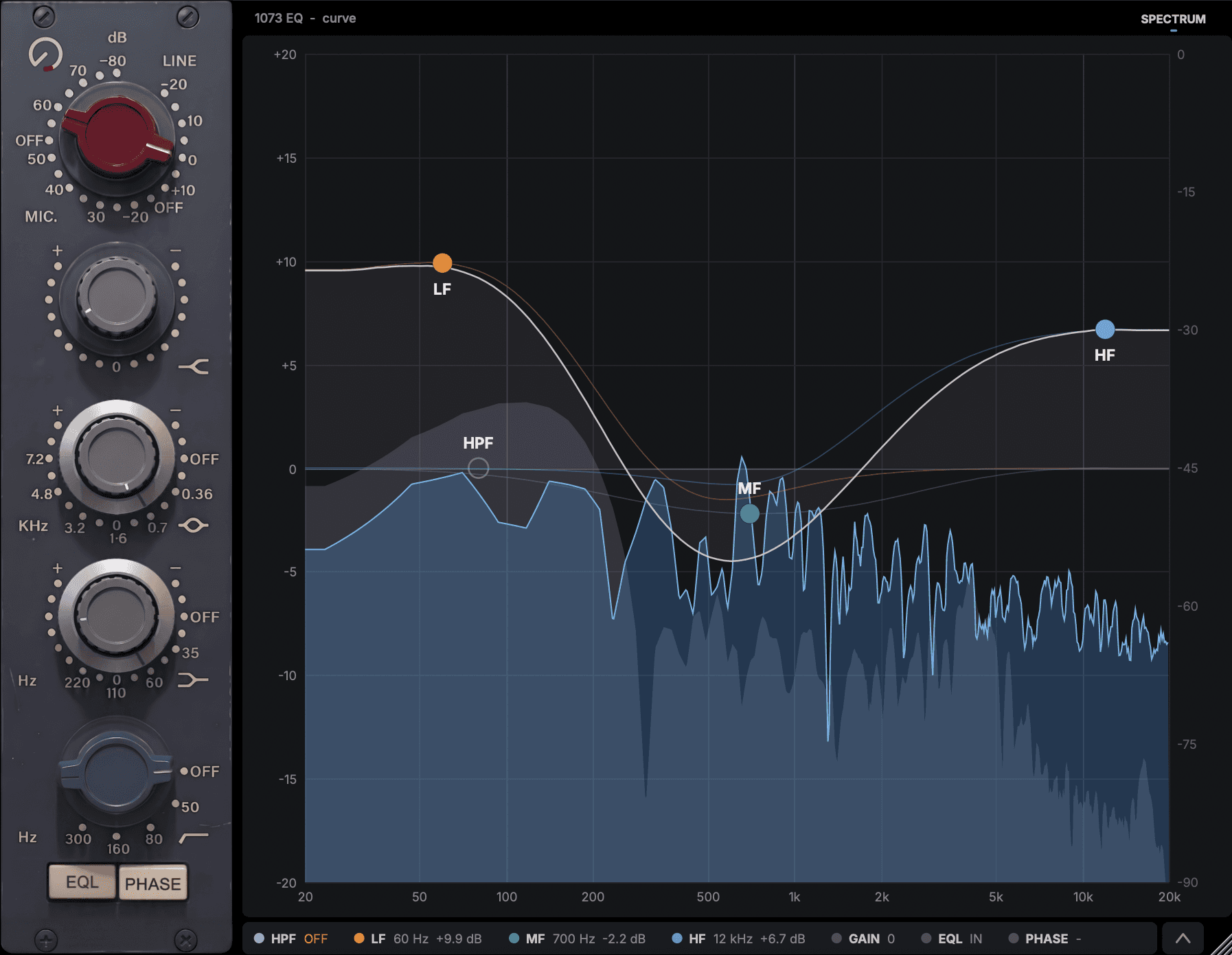
noshige73 — 1073-style EQ plugin with the graphic EQ pane open

noshige Classic

noshige73

v1.4.0

Nov 24, 2026Latest
  • A short notice with the license agreement is shown the first time you open the plugin.
  • Improved stability on Windows PCs with AMD integrated graphics.

Show 5 older versions

Previous versions are provided for compatibility. We recommend the latest release.

  1. v1.3.3

    Nov 21, 2026
    • The plugin window now opens faster.
    • In SNAP mode, clicking the dot next to the AUTO GAIN reading now measures again.
    • Added Window Size to the Config menu (50% to 200%).
    • Fixed AUTO GAIN being thrown off right after the plugin loads or bypass is turned off.
  2. v1.3.2

    Nov 20, 2026
    • GPU processing now supports Intel Macs with a built-in AMD Radeon GPU (macOS 10.15 or later).
    • Fixed the effect not coming back after bypass is turned off when the plugin runs on the CPU engine.
    • Fixed pops and dropouts that could occur when the host re-activates the plugin.
  3. v1.3.1

    Nov 19, 2026
    • Fixed a pop that could occur when the plugin is taken out of bypass.
    • A loading indicator is now shown while the models load.

    Download no longer available

  4. v1.3.0

    Nov 17, 2026
    • GPU processing now supports AMD Radeon graphics cards on Windows (Radeon RX 5000 series or later).

    Download no longer available

  5. v1.2.4

    Nov 10, 2026
    • First public release.
    • 62 factory presets included.

    Download no longer available

noshige3609 — diode-bridge stereo bus compressor / limiter plugin faceplate

noshige Classic

noshige3609

v2.2.0

Nov 24, 2026Latest
  • Pre-release version of noshige3609. It is updated often until the official release.
Twin-GTR — Flow view of the eight-slot modular guitar rig

TwinGear Series

Twin-GTR

v1.3.0

Nov 24, 2026Latest
  • The trial no longer has a time limit. Without a license the plugin keeps working, with a short noise added at intervals.
  • A short notice with the license agreement is shown the first time you open the plugin.
Show 5 older versions

Previous versions are provided for compatibility. We recommend the latest release.

  1. v1.2.11

    Oct 27, 2026
    • Offline activation for computers that can't go online (perpetual licenses only). On the activation screen, click Offline activation and save the request file, upload it under Account > Offline activation on any online device, and load the license file you get back.
  2. v1.2.10

    Oct 13, 2026
    • Updated the installer license agreement to match the Terms of Service on noshigesound.com.
  3. v1.2.9

    Aug 24, 2026
    • Fixed: activating a license could fail while several plugin instances were open — an instance whose trial had expired could overwrite the freshly activated state. All instances now share activation state.
    • Fixed: typing in the plugin's license form inside Logic Pro no longer triggers Logic's keyboard shortcuts.
    • Fixed: gear-slot settings could reset when a saved DAW session was restored.
    • Fixed a crash when switching between LITE and PRO engine quality.

    Download no longer available

  4. v1.2.6

    Aug 19, 2026
    • Fixed: EQ settings could leak between plugin instances and between gear slots in a chain — the EQ now keeps an independent bank per slot.
    • Fixed an Audio Unit validation failure in Logic Pro.

    Download no longer available

  5. v1.2.5

    Aug 5, 2026
    • Updated the neural models.

    Download no longer available

Found a bug?

If a problem appears after an update, or something never worked quite right, please let us know. We take every report seriously, and we will investigate and fix issues as quickly as we can so the plugins stay reliable for everyone.

Report a bug
← Downloads