


Perpetual
$39$79
one-time
50% offnoshige73 release sale
Own it forever. Free updates within the same major version.
Discount codes can be entered on the card checkout only.
TwinGear · Guitar
A guitar amp simulator built native at 96 & 48 kHz — end to end.

Same source, in and out — toggle Dry ⇄ Wet at the same spot. Levels as rendered.
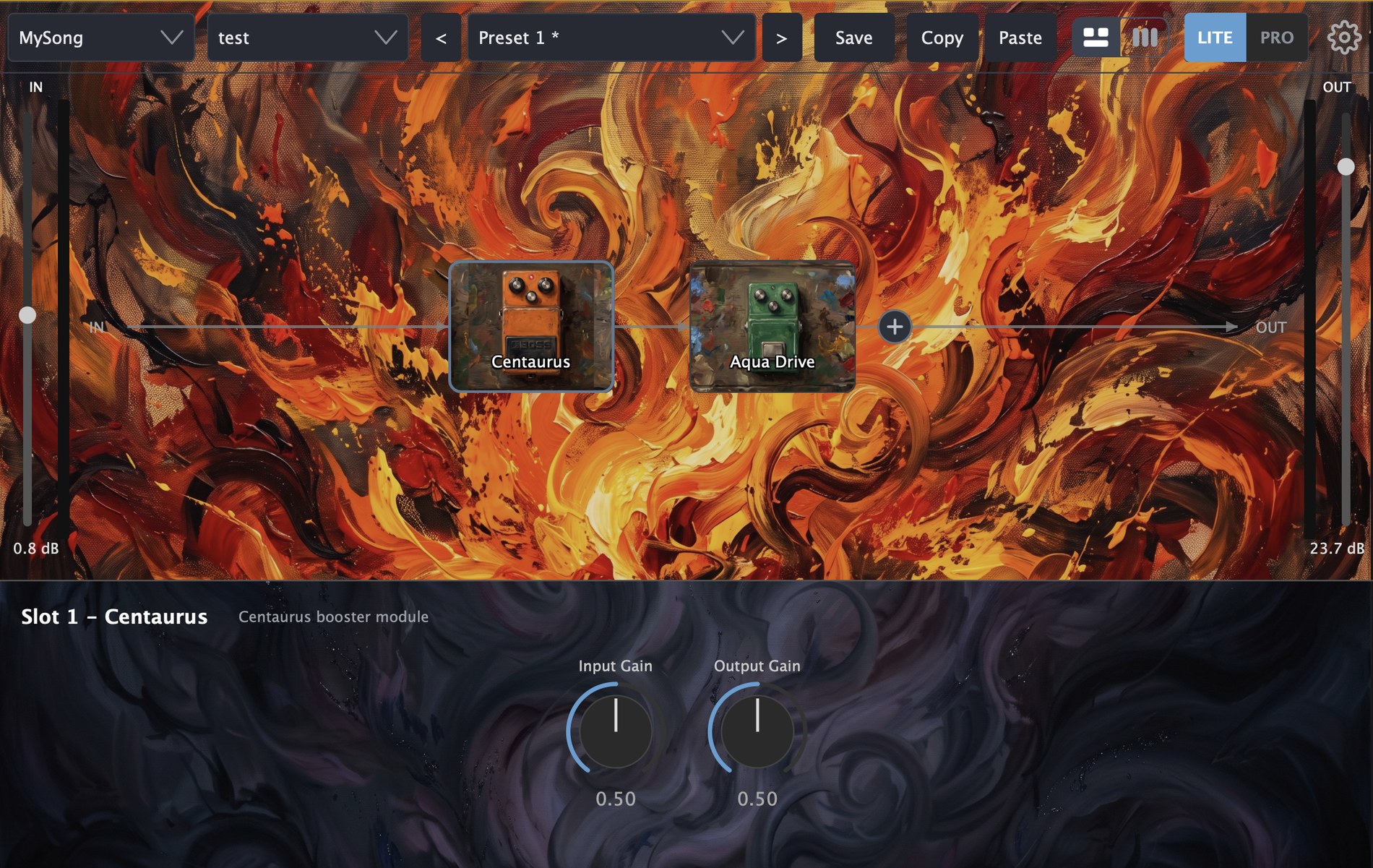
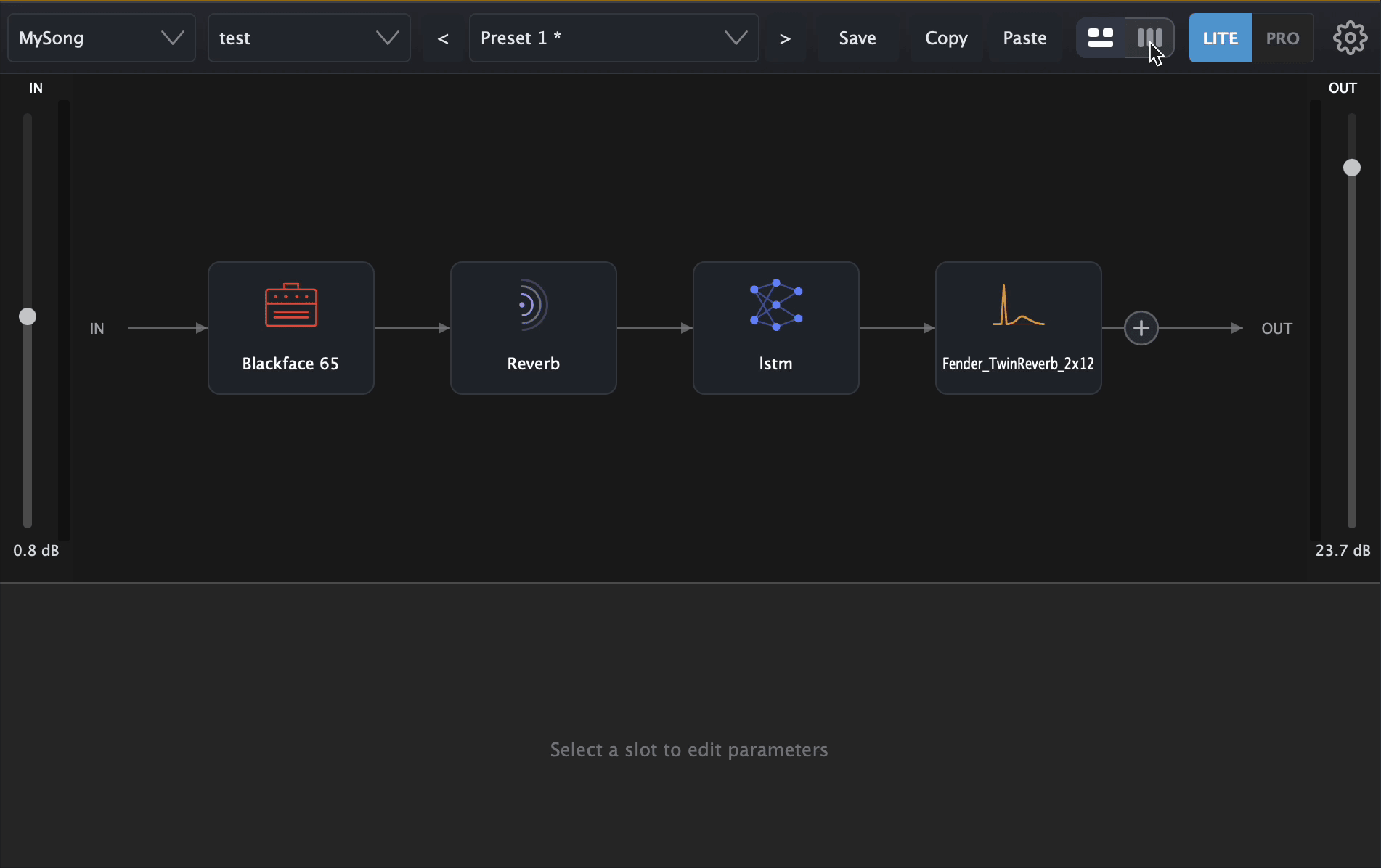
Eight slots, any gear in any order. Read your rig as a left-to-right Flow, flip to Rack for every knob at once, or go Stage for the live view.
Twelve neural gear-twins plus ten built-in FX — EQ, gate, three flavors of modulation, three delays, two reverbs — and your own NAM (.nam) captures and IR (.wav) cabs.
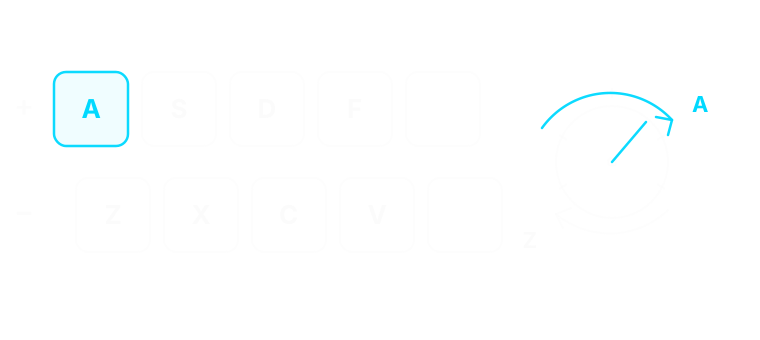
Play while you tweak: every knob answers to a key pair under your left hand.
About
Twin-GTR is built around a single idea: instead of capturing one snapshot of an amp, AI learns the entire parameter space — every knob, every nonlinearity, every drift — and gives you a faithful playable model. Not a preset library, but the gear itself.
The chain has eight slots — six live out of the box — and they’re all agnostic: any module fits any position. Run two amps in series, stack a booster into a comp, drop a cab mid-chain. Drag to reorder, click to swap.
LITE and PRO are two sizes of the same gear-twin — built from the same hardware, modeled at different resolutions. Reach for LITE while tracking, when you want the quickest response under your fingers and the lightest CPU hit; the smaller model trades a touch of fidelity for real-time feel. Reach for PRO when fidelity matters most — bouncing a mix, finalising a track — where the larger model renders the fullest, most faithful version of the tone.
Run your session at any common rate: 44.1, 48, 88.2, and 96 kHz are all supported. At 48 and 96 kHz the gear-twins run as native models — the exact pipeline that was trained, no conversion in the path. At 44.1 and 88.2 kHz the plugin resamples transparently, so it just works in whatever project you already have open.
Three views
Bring your own gear
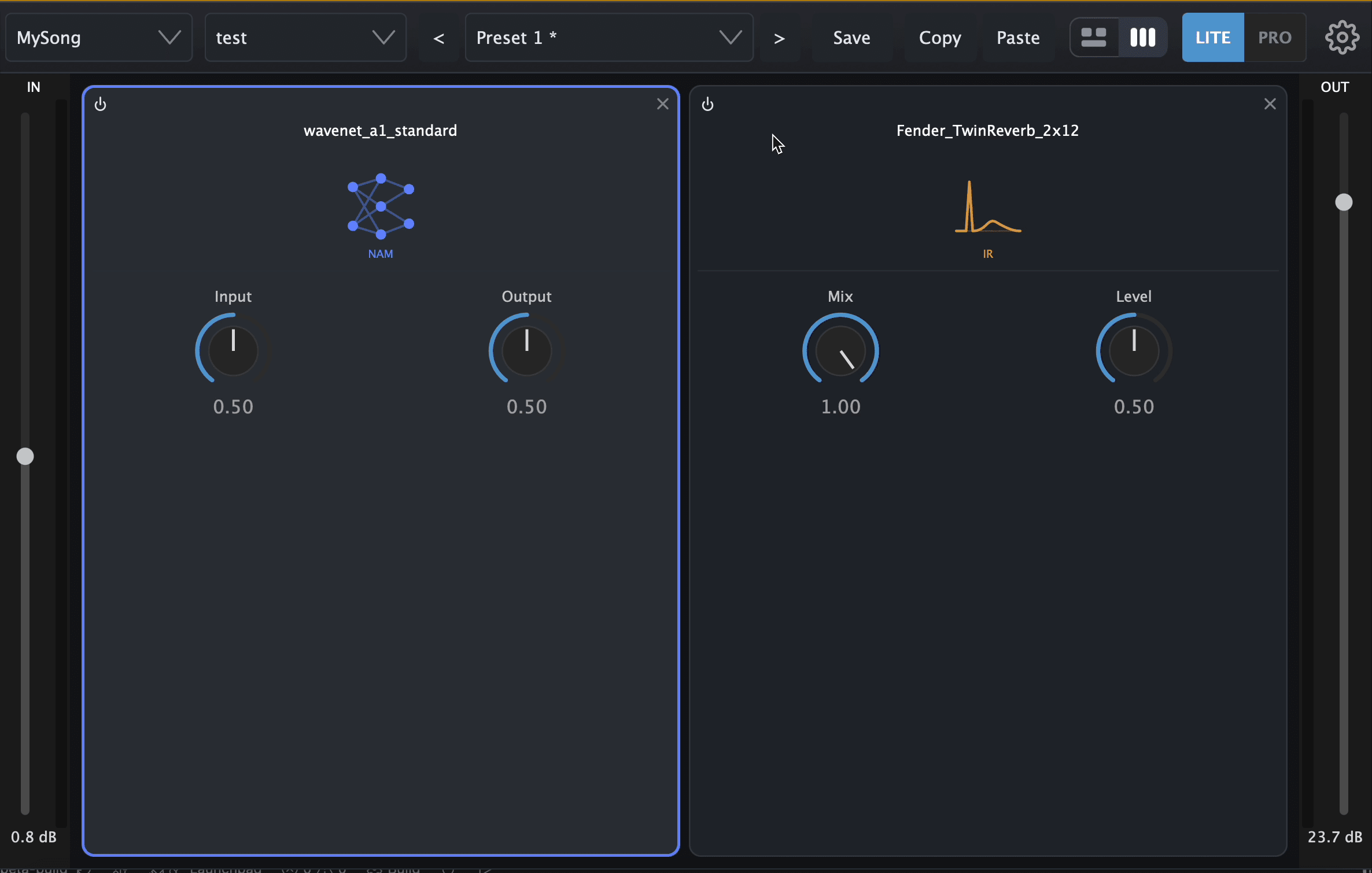
Neural Amp Modeler (.nam) captures and impulse-response (.wav) cabs load straight into the chain — they sit in a slot like any other gear.
Custom skins
Assign your own images to the background and to every gear, then save the whole look as a skin. Ships clean in black — one skin flips it to yours.
Keyboard control
Every control answers to a key pair — top row up, bottom row down.
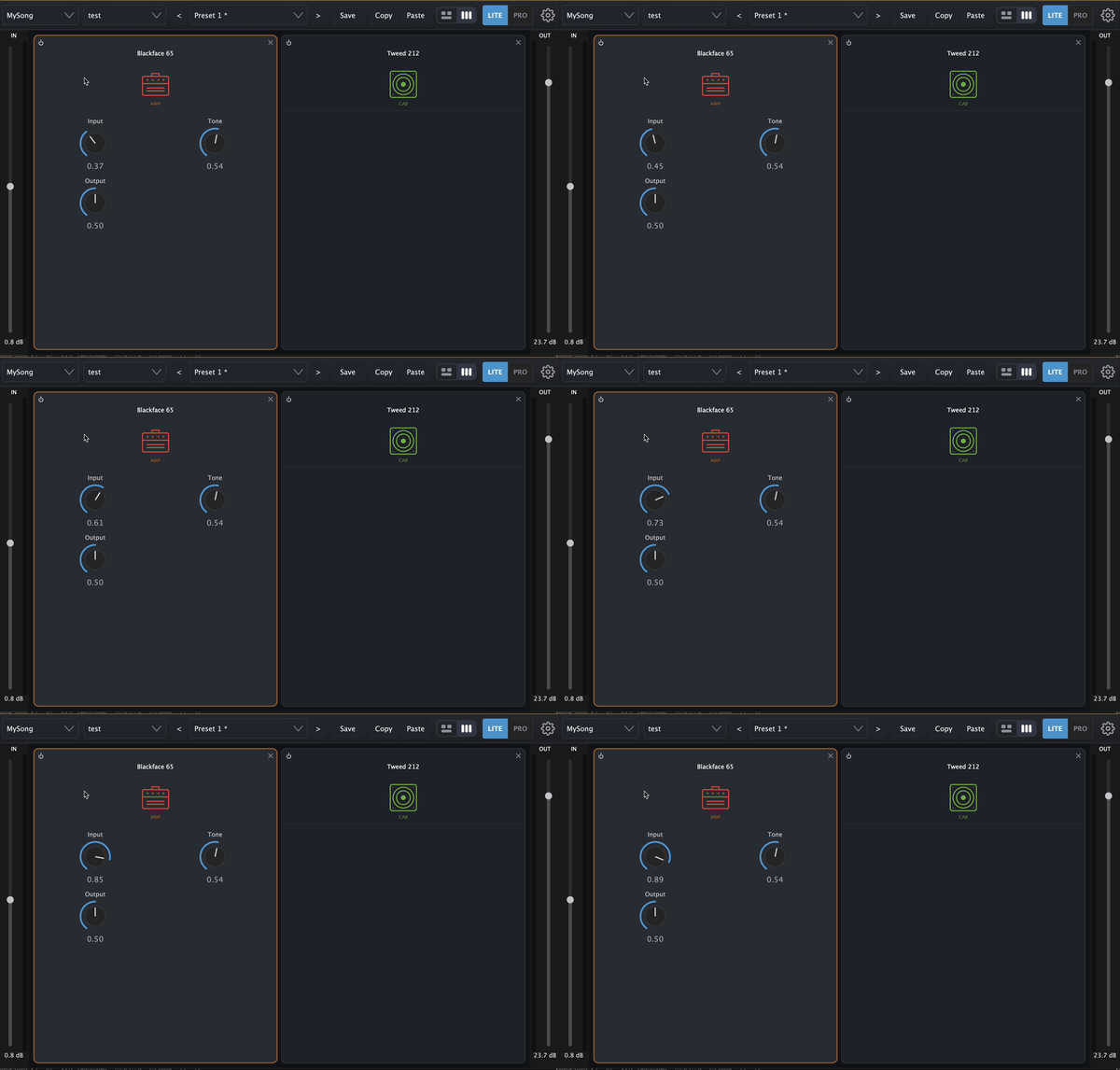
Drop any gear into any of the eight slots — every slot is agnostic, and your own NAM / IR files share the same slots.
Same plugin, same features. Pick the commitment that fits the way you work.
Perpetual
$39$79
one-time
Own it forever. Free updates within the same major version.
Discount codes can be entered on the card checkout only.
Yearly
$19$49
per year
Best value if you keep it more than eight months. Auto-renews until you stop it.
Monthly
$7.99
per month
Try it for a month. Cancel any time, no questions asked.
Bundle
Pair Twin-GTR with another plugin.
Launch pricing for a limited time — regular prices then revert to the strikethrough amount above. All prices in USD; tax (VAT / GST) is added at checkout where applicable.
We recommend trying the free 14-day demo in your own setup before you buy — same installer as the paid version, full features.
TwinGear Cloud
You record the gear you own at your bench with our source audio and capture guide. We train a parametric model, and the twin comes back as an encrypted .napx module, bound to your account. It loads in Twin-Loader, a dedicated loader plugin now in development.
Apply, then capture at your bench.
Anyone can apply. Partners record input/output pairs with our source audio; a loopback-capable interface and good cables are all the hardware you need.
We train the twin.
Training runs on our side and your account shows where it stands. Free if we may sell the twin as a plugin, paid if you keep it private. No delivery dates.
Keep your encrypted .napx.
Encrypted and account-bound, with a free license key. Partners receive Twin-Loader free when it ships.
TwinGear Cloud is open to applications. No delivery dates, and we may choose among applicants.
Read the capture guide and apply on the TwinGear Cloud page.